
Fees and online payments
Fee heads per class, concessions, instalments and late fees. Receipts against cash, cheque, UPI or net banking, all landing in one ledger with a live due-fee view.
See the feature
School management software
School management software runs a school's daily operations — admissions, fees, attendance, exams, transport and parent communication — from one system instead of separate registers and spreadsheets. This page covers what measurably changes once a school moves onto it, hour by hour through an ordinary school day.
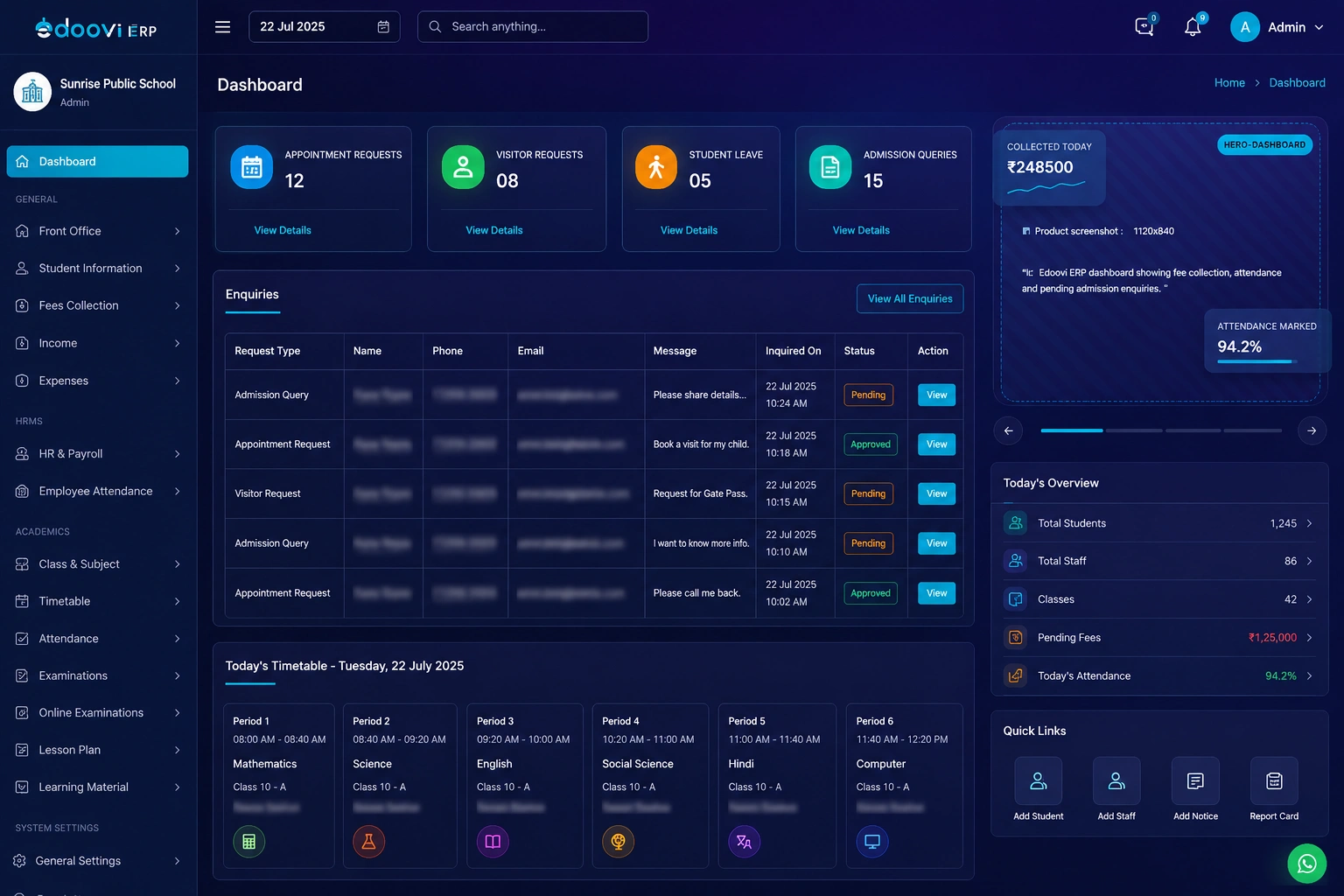
An ordinary Tuesday
Feature lists all look alike. What separates one school management system from another is what happens between twenty to eight and four o’clock — so here is the day, in order.
Students and staff are marked as they walk in. Nobody carries a register to the gate, and half the day is already recorded before the first bell.
Class teachers confirm on the phone instead of filling a sheet. Cumulative percentages update as they go, and the low-attendance list builds itself rather than being compiled at month end.
The due-fee view is current, not reconciled overnight. Receipts print against the same record, and a UPI payment made at home shows up before the parent reaches the gate.
Parents check dues in the app instead of calling, so the calls that do come through are the ones that actually need a person on the other end.
Group, class-wise or route-wise, from a saved template. No phone tree, and no second WhatsApp list that somebody forgot to update.
Every route is tracked live and every stop has its own arrival estimate, so the four o'clock call asking where the bus has reached does not happen.
What moves
Without a system
On Edoovi
Four people, four screens
Role-based access is not a settings page you configure afterwards — it is what each person opens on. Pick a role and see the screen it lands on.
Opens on the morning position
Opens on the numbers, not the screens
Opens on what is unreconciled
Opens on the class, and nothing else
In the order schools adopt it
Nobody switches on eighteen features in week one. This is the order schools actually move in, and the reason fees comes first is that it is the one that pays for the switch.
Fee heads per class, concessions, instalments and late fees. Receipts against cash, cheque, UPI or net banking, all landing in one ledger with a live due-fee view.
See the featureMarked in class or recognised at the gate. Cumulative percentages, leave requests and the low-attendance alert to parents, without a register.
See the featureEvery enquiry with its source, followed through the pipeline and converted to an admission without anything being typed a second time.
See the featureExam master, grade schemes, class or student-level declaration, result hold and exam lock — then marksheets and ranks from the same marks.
See the featureGroup, class-wise, student-wise, staff or route-wise messages from reusable templates, over the app, SMS and WhatsApp.
See the featureBuses, routes, stops and route-wise fees, plus live GPS and a stop-wise arrival estimate in the parent app.
See the featureConfigured per school
Classes, sections, subjects, exam pattern, grading scheme and certificate formats are set up per school — which is why the same software serves all four without a separate edition.
The parent app
Every one of these used to be a phone call. The parent and student app is in every plan on Android and iOS, with no per-parent charge.
Was my child marked present today?
Attendance, before the second period
How much is still due?
The live balance, with the receipt history under it
Can I pay from home?
UPI or net banking, receipt issued on the spot
Have the results come out?
Marksheet and rank, the moment they are declared
Where has the bus reached?
The route on a map, with an estimate for your stop
What was the circular about?
Circulars, news and the calendar, in one feed
Under the Digital Personal Data Protection Act
Student, staff and financial records sit in Indian data centres.
A gatekeeper, a class teacher and a director each see their own screen and nothing past it.
Every receipt records who processed it. Cancelled receipts stay in the ledger.
A closed fee period or exam can be locked, so last year stops changing.
Before you ask
School management software handles the work a school office repeats every day: admitting students, raising and collecting fees, marking attendance, running exams and publishing results, managing transport and library, and keeping parents informed. Because all of it sits on one student record, a change made in one place shows up everywhere it is relevant.
Yes. Most schools move mid-session rather than waiting for April, because the fee cycle is what makes the case. Existing records are imported and checked against the school's own registers first, then the school goes live one feature at a time — usually fees and attendance before the rest.
Adoption depends on how much a teacher has to learn, which is why each role opens on its own screen. A class teacher sees marking, leave and marks entry, and never sees the fee ledger or the transport feature. Training is per role for the same reason — nobody is trained on a screen they will not open.
It removes the two slow steps: finding out who has not paid, and reaching them. The due-fee view is live rather than reconciled at month end, reminders go out automatically over WhatsApp, SMS and the app, and parents pay by UPI or net banking without coming to the counter.
No. The parent and student app is included in every Edoovi ERP plan on both Android and iOS, with no per-parent charge and no separate line item. Parents download it and sign in with the credentials the school issues.
Student records, parent contacts, fee structures and previous-session results are imported from Excel sheets or an older system before go-live, then checked against the school's own registers. Previous-session records stay readable after the roll-over, so last year's results and ledgers do not disappear.
Yes — 30 days with every feature unlocked, no credit card and no setup fee, and nothing charges automatically when the trial ends. The point of the length is that it covers a full fee cycle, which is the only real test.
Free for 30 days
Thirty days, every feature unlocked, on your own students and your own fee structure. No credit card, no setup fee, and nothing charges when the trial ends.